


Wix Velo Deep Dive — When to Use It, When to Skip It
A clear, opinionated guide to Wix Velo in 2026 — the lifecycle, the patterns that scale, the patterns that bite, and how to know when you need Velo at all.
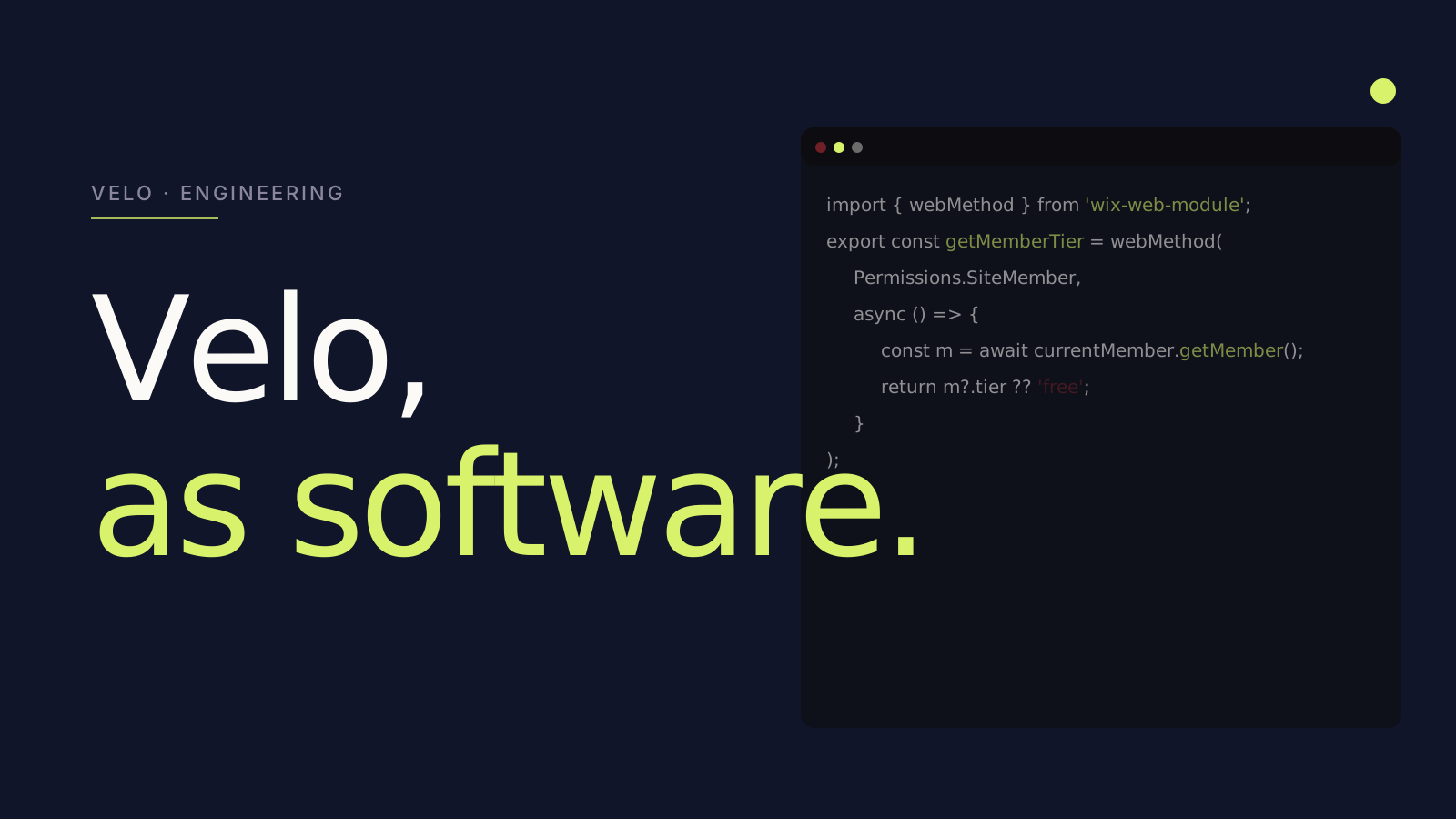
Wix Velo is the platform's developer surface — and it is wildly under-used by most teams who could benefit from it. It is also, occasionally, dramatically over-used by teams who should not have touched it. This piece is for both.
What Velo actually is
Velo is JavaScript that runs inside Wix Studio (or Classic Wix). It gives you:
- Page Code — JS that runs in the page when it loads.
- Web Modules — server-side JS, callable from the page, where you put secrets and external API calls.
- Backend Files — long-running event handlers (scheduled jobs, webhook receivers, data hooks).
- HTTP Functions — incoming endpoints your site can expose.
- Wix Data — query and mutate CMS collections.
- Wix Secrets — encrypted secret storage.
Together, this is enough to build real software inside Wix — member portals, custom search, third-party integrations, dashboards, programmatic page generation.
When you actually need Velo
Velo earns its complexity in three scenarios:
- Logic that the editor cannot express. Conditional forms with state, custom search across multiple CMS collections, eligibility checks before a booking.
- Integrations with a third-party API. CRM, ERP, payment processor, custom data warehouse — anything that has to call out.
- Member-area logic. Gated content, role-based UI, custom signup flows, profile management.
If your build does not need any of these, you do not need Velo. The platform's no-code surface is genuinely capable. Reaching for Velo when no-code would do is one of the most common Studio anti-patterns we audit.
When not to use Velo
Velo is the wrong tool for:
- Anything you can do in the editor. Hide-element-on-mobile, show-on-scroll, basic interactions — these belong in the editor's design layer.
- Anything performance-critical. Velo has cold-start latency on web modules. If you are putting Velo on the LCP path, you are paying for it in CWV.
- High-volume transactional workloads. Velo can do them, but you may be happier with a dedicated backend.
The patterns that scale
After 60+ Velo engagements, three patterns separate code that ages well from code that rots:
1. Use Web Modules for everything that crosses the page boundary
If a function calls an API, accesses a secret, or hits Wix Data with privileged credentials, it lives in a Web Module — not in Page Code. Page Code becomes a thin orchestrator. This is the single most important Velo discipline.
2. Modular structure with naming conventions
Web Modules under backend/ grouped by domain (backend/booking.web.js, backend/members.web.js). Page Code calls them via imports. Shared utilities under public/. No "dump everything in one file" patterns.
3. Real error handling
Every external call wrapped in try/catch. Failures logged with context. User-facing errors translated into UI states (loading, error, retry). This sounds obvious; it is rare in practice.
The patterns that bite
The Velo anti-patterns we audit most often:
- Secrets in code. API keys checked into Page Code or backend files instead of Wix Secrets. We have seen this at companies that should know better.
- Mixing concerns in Page Code. A single onReady handler that fetches data, manipulates the DOM, handles form submission, and writes to analytics. Untestable; impossible to maintain.
- No idempotency on webhooks. External webhook receivers that double-fire produce duplicate records. We see this on Stripe / HubSpot integrations all the time.
- Synchronous calls in tight loops. Calling a Web Module N times in a
forEach. Should have been one batched call.
The lifecycle nobody explains
Velo functions run in distinct environments:
- Page Code runs in the browser. No access to secrets. Has access to
wixLocation,wixWindow, DOM events. - Web Modules run on Wix's servers. Have access to secrets, Wix Data with elevated permissions, network. Callable from Page Code as if they were async functions.
- Backend Files run on Wix's servers too, but as event handlers (scheduled jobs, data hooks, HTTP functions).
Confusing these is the source of half the Velo bugs we debug. If something needs a secret, it is a Web Module. If something needs to run without a page visit, it is a Backend File.
A real example: gated content
A common Velo pattern is gating content behind membership. Here is the shape:
CODE0
CODE1
That is the entire pattern: server-side function asks for member state, page-side code adjusts UI accordingly. No leaks, no secrets exposed, no surprises.
Testing Velo
Velo is JavaScript. You can extract pure functions into public/ and test them with Jest in CI. We do this on every meaningful Velo project — pure functions tested locally, Web Modules integration-tested via a staging environment, deployed via Wix Studio's git integration.
The team that treats Velo as software ships sites that hold up. The team that treats it as snippet glue ships sites that age fast.
The bottom line
Velo is genuinely powerful — closer to a real backend than its no-code peers — but it rewards discipline. If you can model your logic in the editor, do that. If you cannot, reach for Velo and treat it as software: modules, secrets, error handling, code review.
If you are doing more than that, you are probably building software that should not be on Wix. We will tell you when that line is crossed.