


Wix Site Speed — A Realistic Path to 90+ Lighthouse on Real Devices
A no-fluff guide to getting a Wix Studio site to Lighthouse 90+ and Core Web Vitals "Good" — the image pipeline, font discipline, render-blocking budget, and the tests we run.
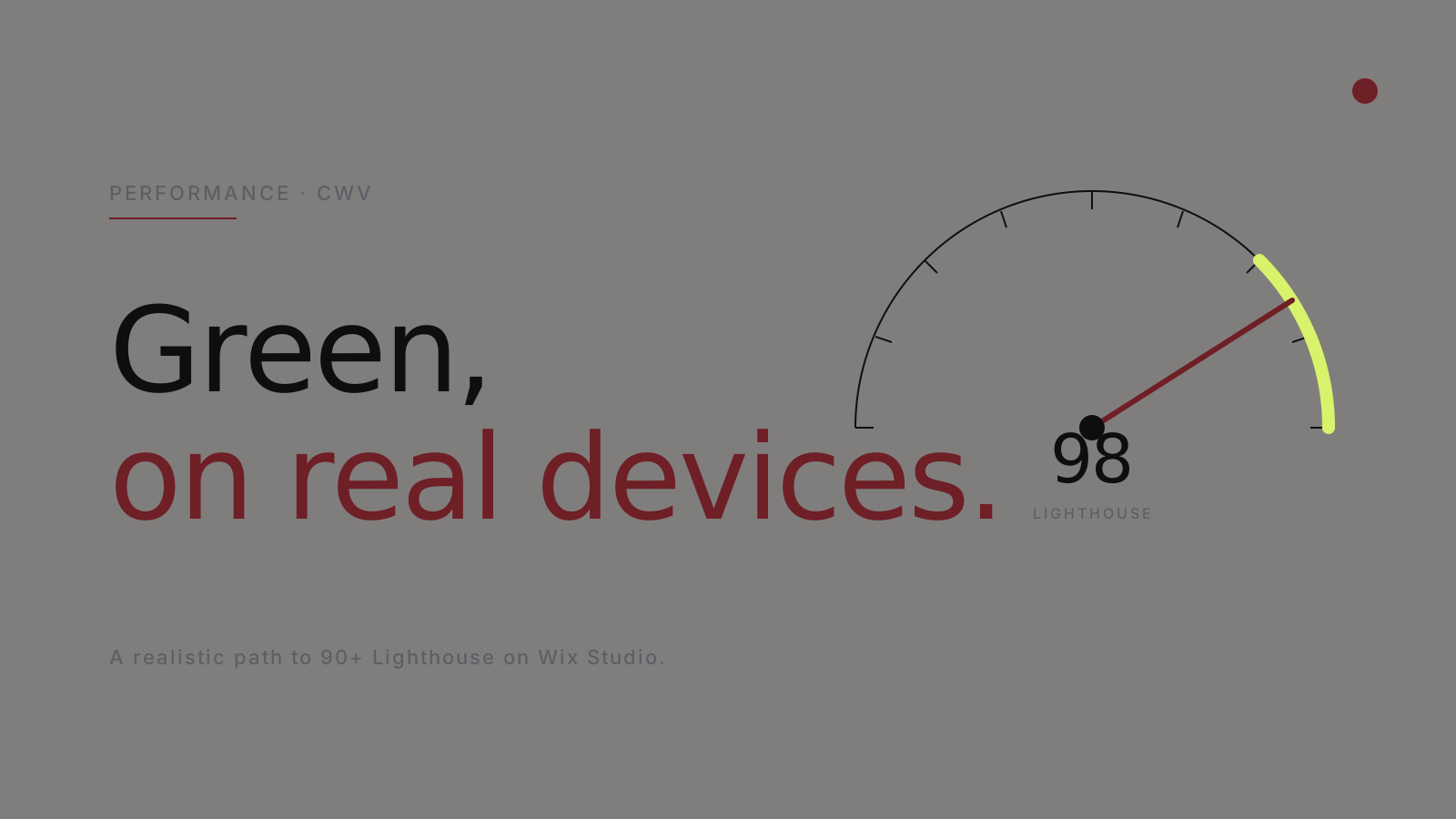
A slow Wix site is almost never Wix's fault. It is the build's. After 412 sites averaging 98 Lighthouse on launch, here is the playbook.
The non-negotiables
To hit Lighthouse 90+ and CWV "Good" on real devices:
- LCP < 2.5s. Aim for < 1.8s.
- CLS < 0.1. Aim for ~ 0.
- INP < 200ms. Aim for < 100ms.
- TBT in lab Lighthouse < 200ms.
Hit all four. They reinforce each other.
The image pipeline
Images are 70% of every site's payload. The discipline:
- Upload at the right size. Never upload a 3000px-wide hero. Generate variants at the breakpoints you actually use.
- Serve AVIF or WebP where supported (Wix does this for you when configured).
- Lazy-load below the fold. Eager-load the LCP image only.
- Set width/height attributes to prevent CLS.
The single most impactful change on most Wix audits: replace the hero image with a properly sized AVIF. LCP often drops by 1.5-2.5 seconds.
Font discipline
Fonts are the second biggest weight. The discipline:
- Subset to your language coverage. A Latin-1 subset is ~30 KB; the full font is ~200 KB+.
- Self-host rather than load from Google Fonts (one less DNS lookup).
font-display: swapto let text render in a system font while custom font loads.- Preload only the critical weight — the one you use above the fold.
- Use variable fonts where the family is available — one file for all weights.
Three weights of a custom font, naively loaded, is 200-300 KB of render-blocking. Properly subset and preloaded, it is 50-80 KB.
Render-blocking scripts
Anything that blocks the main thread before LCP must justify itself. The discipline:
- Audit every custom code embed. If it does not need to be in
<head>, move it. - Defer or async every third-party tag.
- Lazy-load marketing tags via GTM with triggers (after interaction, after scroll).
- Audit the Wix-injected scripts — most are necessary but some can be controlled.
GTM with rationalised tags + defer is the second-biggest CWV win on most Wix sites.
Critical CSS
Above-the-fold CSS inlined; below-the-fold async-loaded. Wix Studio handles much of this for you, but adding custom CSS without discipline can break the inline. We audit the final HTML payload and confirm critical CSS is inline before launch.
Layout shift (CLS)
Layout shift comes from:
- Images without width/height (set both).
- Late-loading fonts that re-flow text (preload + swap mitigate).
- Above-the-fold ads or embeds that arrive late (reserve space).
- Animations that change layout (use transforms instead of properties that trigger reflow).
We hit CLS ~0 on every launch by being maniacal about reserving space.
INP (Interaction to Next Paint)
INP replaced FID in 2024 as the responsiveness metric. To stay green:
- Long JavaScript tasks (>50ms) on user interaction trigger INP warnings. Profile them.
- Avoid running heavy logic in scroll or input handlers.
- Use
requestIdleCallbackfor non-critical work. - Wix Studio's component lifecycle is generally INP-friendly; custom Velo on the page can break it.
Testing
We test in three places:
- Lab Lighthouse — fast feedback during build.
- PageSpeed Insights — Google's lab + field data.
- Search Console CWV report — real user metrics, the source of truth.
A site is not "fast" until Search Console says so for 30 days. Lab Lighthouse alone is a vanity metric.
The bottom line
A Wix Studio site at Lighthouse 95+ with CWV in the green is not difficult. It is disciplined. The list above is not glamorous; it is what we do on every project, every time.
If your Wix site is slow, the platform is not blocking you. The build is.